Description
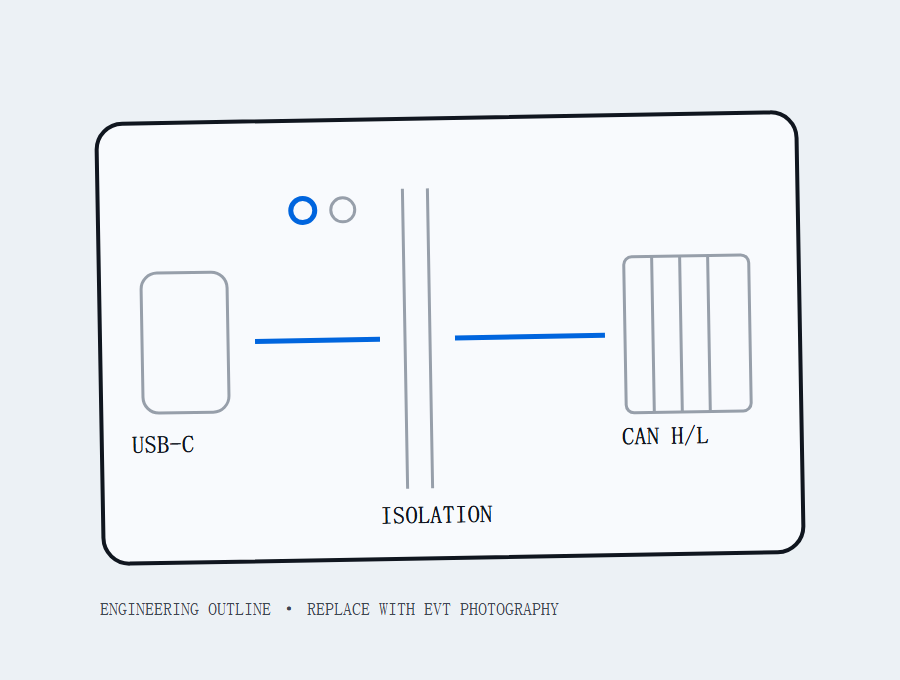
A planned isolated USB-C interface for Classical CAN bench capture, paired with a local browser analyzer. The product is in pilot validation; the specifications below are targets, not final performance claims.
Who the pilot is for
CAN Isolated is being evaluated for embedded, robotics, industrial automation, education and independent engineering benches that need a traceable path from CANH/CANL to a local capture and decoded signal view.
A useful pilot case names the operating system, bitrate, connector, topology, higher-layer protocol and a reproducible task such as “capture a known 500 kbit/s bench and decode our authorized DBC.”
Target configuration
| Host connection | USB-C |
|---|---|
| CAN mode | Classical CAN 2.0 target; CAN FD is not promised for v1 |
| Nominal bitrates | 125, 250, 500 and 1000 kbit/s targets |
| Physical layer | Electrical-isolation target with switchable 120 Ω termination |
| Connector path | DB9 and pluggable-terminal path; final pinout pending pilot BOM lock |
| Analyzer | Local browser workflow for raw capture, DBC, J1939, CANopen and record/replay targets |
| Desktop scope | Windows, Linux and macOS targets; tested versions will be named in the compatibility matrix |
What the local workflow is intended to do
- Connect to a documented, powered bench with the correct pinout and topology.
- Set the intended Classical CAN bitrate and termination state.
- Capture identifiers, payloads, timestamps and error information.
- Import an authorized DBC or use a documented J1939/CANopen workflow.
- Keep the raw trace beside any decoded export.
Not promised in the first release
- CAN FD;
- compatibility with every vehicle, ECU, machine or connector;
- a bundled proprietary vehicle/J1939 database;
- professional-instrument timestamp equivalence;
- safety-certified control or roadworthiness decisions;
- cloud storage or a mandatory cloud account.
Pilot evidence required before public checkout
The public validation ledger tracks these gates and keeps every unfinished item labelled pending.
- locked BOM, pinout, enclosure and package contents;
- isolation, protection, thermal and long-run capture test records;
- bitrate and operating-system compatibility matrix;
- firmware/source release and license notices;
- shipping weight, dispatch process and regional compliance scope;
- successful payment, failure, refund and webhook tests.
Start with a documented bench
- CAN Isolated documentation hub
- Controlled-bench Quick Start
- Pending host compatibility matrix
- Firmware and downloads status
- Documentation and validation changelog
- Isolated vs non-isolated USB CAN selection
- CANable, PCAN and pilot-path comparison
- Current isolated USB CAN adapter comparison
- CAN Isolated public validation ledger
- Linux USB CAN setup with SocketCAN
- python-can backend selection for USB CAN adapters
- SLCAN vs gs_usb for SocketCAN
- Why 120 Ω termination belongs at both ends
- Missing CAN frame diagnostic tree
- Local DBC decoding with cantools
- J1939 DM1 reading workflow
- J1939 interface selection: SocketCAN, SDK or RP1210
- CANopen object dictionary, SDO, PDO and NMT